How to Reduce AWS Lambda Cold Start Times by Shrinking Deployment Package Size
AWS Lambda cold starts are a common pain point for engineers.
This article highlights a practical way to reduce cold start times: keep your deployment package as small as possible.
Why Package Size Matters for Cold Starts
Whenever an AWS Lambda function experiences a cold start, the code package (sometimes a ZIP archive) is downloaded from S3. The smaller the package, the faster the initialization — that’s basic physics.
Furthermore, Lambda enforces a strict 250MB unzipped deployment size limit, and direct uploads are capped at 50MB zipped. Anything larger requires uploading to S3, adding friction to your CI/CD pipeline.
Besides performance, minimizing package size accelerates deployments, reduces the attack surface, and can even improve your CI/CD feedback loop. This principle also applies to Lambda Layers and container-based deployments. Leaner is always better.
Step 1: Audit Your Lambda Deployment Package
First, verify what’s inside your ZIP. Is your code package larger than you expected?
You can download the deployed ZIP from the AWS Lambda console and inspect its contents. On macOS, the following command summarizes directory sizes post-extraction:
du -sh * 2>/dev/null | sort -hrStep 2: Find Your Biggest Functions (with AWS Config Advanced Query)
If you want to identify oversized Lambdas across accounts, leverage AWS Config Advanced Query:
SELECT
  accountId,
  resourceId,
  configuration.codeSize,
WHERE
  resourceType = 'AWS::Lambda::Function'
  AND configuration.codeSize > 123456789 -- bytes
ORDER BY
  configuration.codeSize desc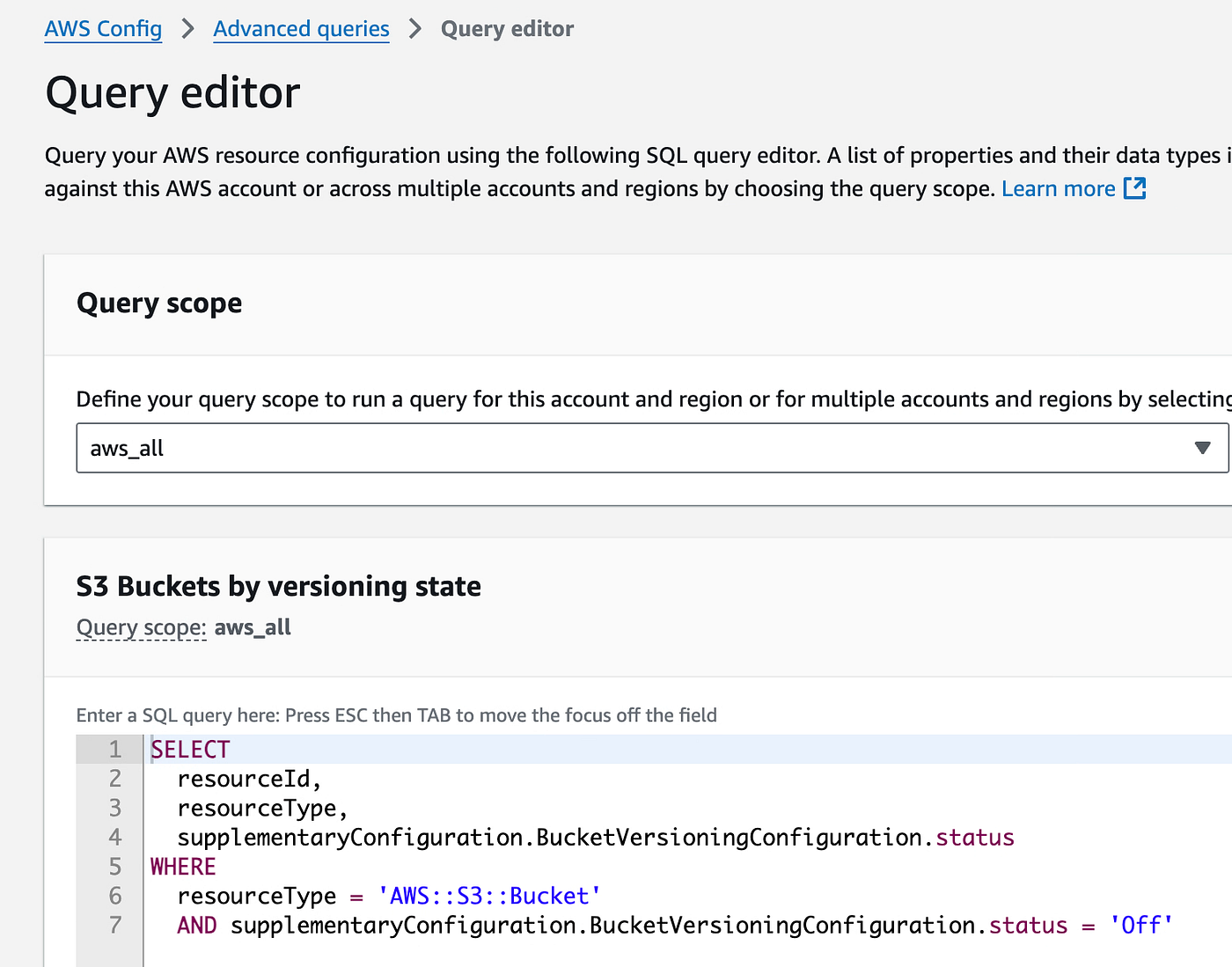
You can also use observability tools like Datadog to monitor Lambda function package sizes in bytes, making it easier to spot unusually large deployments across your environment.
Watch out for functions with identical sizes down to the byte. This can indicate misconfigured deployments or duplicate artifacts.
Step 3: Tips for Reducing Deployment Size
Let’s break down optimization tips using TypeScript (Node.js) and Python, two of the most popular Lambda languages.
Audit Your Development Dependencies
Development-only binaries (like mypy) can easily sneak into your production package, sometimes eating up 50MB or more. Even with separate requirements.txt files for dev and prod, transitive dependencies (e.g., via SQLAlchemy) may still bloat your deploy. Always verify your artifacts using both manual inspection and your package manager’s tree/list commands.
Watch Out for Duplicate or Monolithic Artifacts
It’s surprisingly common to see multiple Lambda functions with different names but identical, oversized packages — especially in monorepos. This usually signals a broken build step or poorly configured packaging logic.
Dependency Resolution Pitfalls
We’ve seen cases where multiple versions of native libraries (like OpenSSL) are bundled, doubling the size. Audit your dependencies carefully.
For TypeScript: Apply Frontend Optimization Practices
Never deploy raw code. Always bundle with tools like esbuild.
Backend engineers unfamiliar with frontend practices often overlook this, resulting in massive unoptimized bundles. Use bundle analyzers (e.g., webpack-bundle-analyzer) to visualize and shrink your output.
Prefer ES Modules (ESM) over CommonJS, as ESM tends to produce smaller, more efficient bundles.
Find and Remove Unused Code with Knip
Knip is a tool that scans your TypeScript (and JavaScript) projects to detect unused files, exports, and dependencies.
Use it to keep your Lambda artifacts minimal and free from dead code:
npx knip  # npm
pnpx knip # pnpm
bunx knip # bun
Review the report, and safely remove what you don’t need. This will help shrink your deployment package and reduce the attack surface.
Watch the e18e Initiative
For cutting-edge improvements in Node.js ecosystem package size and startup performance, keep an eye on the e18e initiative. They are working on reducing polyfills, minimizing legacy code, and supporting more efficient modules. While not specifically aimed at serverless, these improvements naturally benefit AWS Lambda and similar environments.
For Python: The .py Purge
Python loads .pyc bytecode, so you can safely delete all .py source files from your ZIP after compilation:
python -m compileall -b .
find . -name "*.py" -delete
The tradeoff: tracebacks won’t show the original source. For production workloads (especially third-party modules), this is usually acceptable — proper error handling matters more than debugging tracebacks.

Automate This in CDK
If you use AWS CDK, hook this cleanup into your deployment pipeline for repeatable results.
Node.js 22+: enableCompileCache
Starting with Node.js 22, you can use enableCompileCache().
This leverages V8’s code cache and stores cached bytecode in temporary files.
While I haven’t benchmarked the impact on Lambda yet, enabling this option could potentially improve performance if your deployment environment supports it.
Final Thoughts
AWS Lambda’s abstraction is powerful, but it’s easy to overlook deployment hygiene.
Trimming your deployment size is one of the simplest, highest-leverage optimizations for cold start latency, security, and operational agility — not just for Lambda, but for all serverless platforms.
Less is more. Audit, optimize, and delete ruthlessly.